What is EQUALIZE?
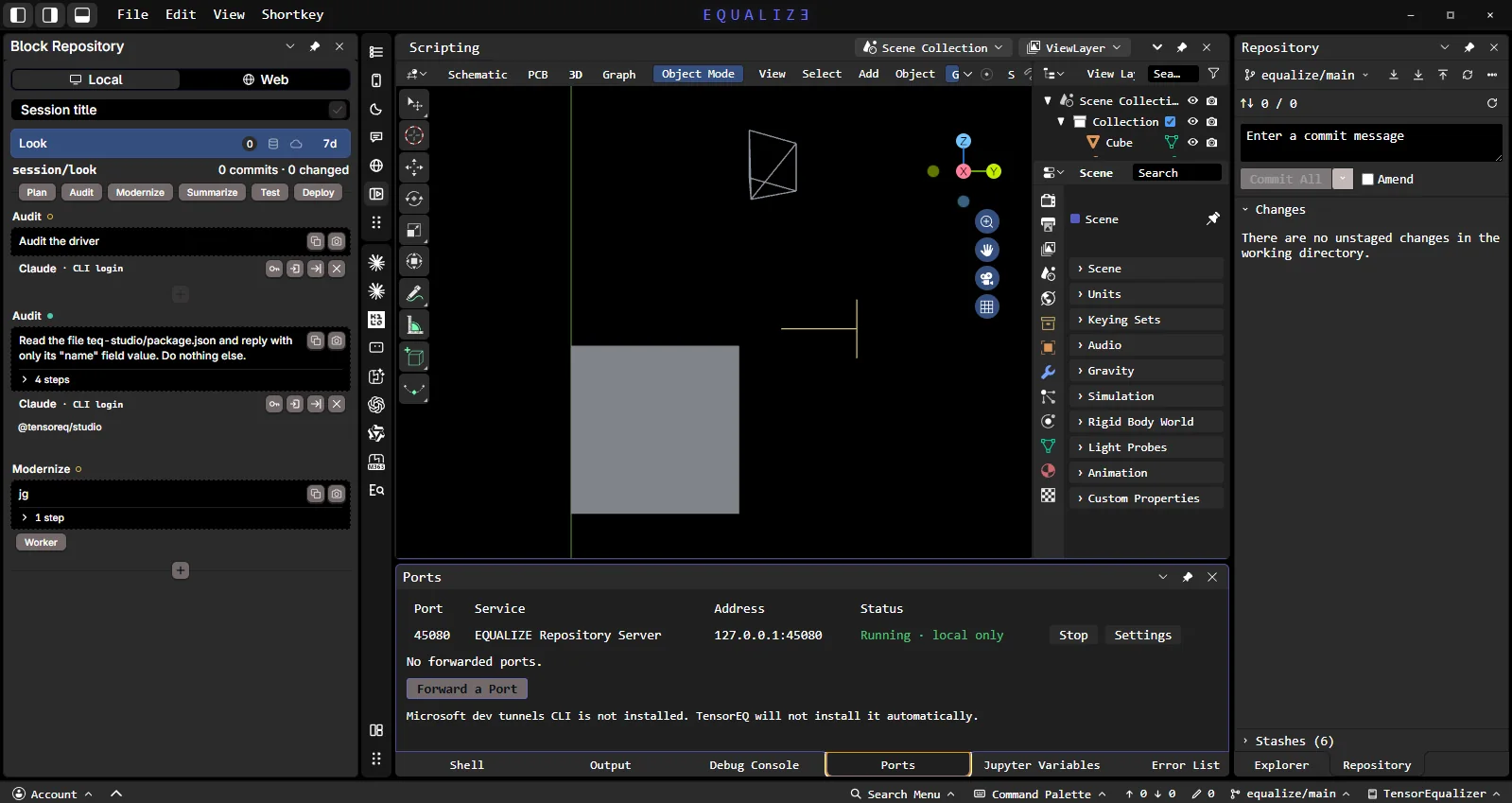
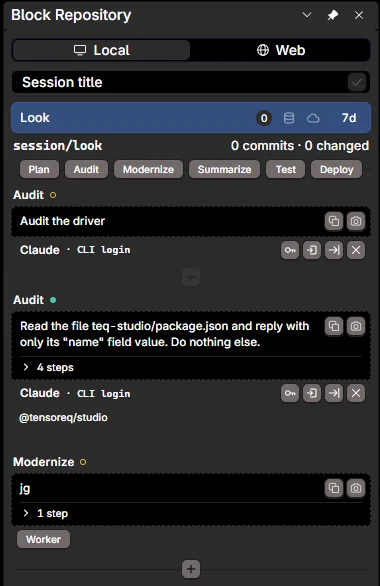
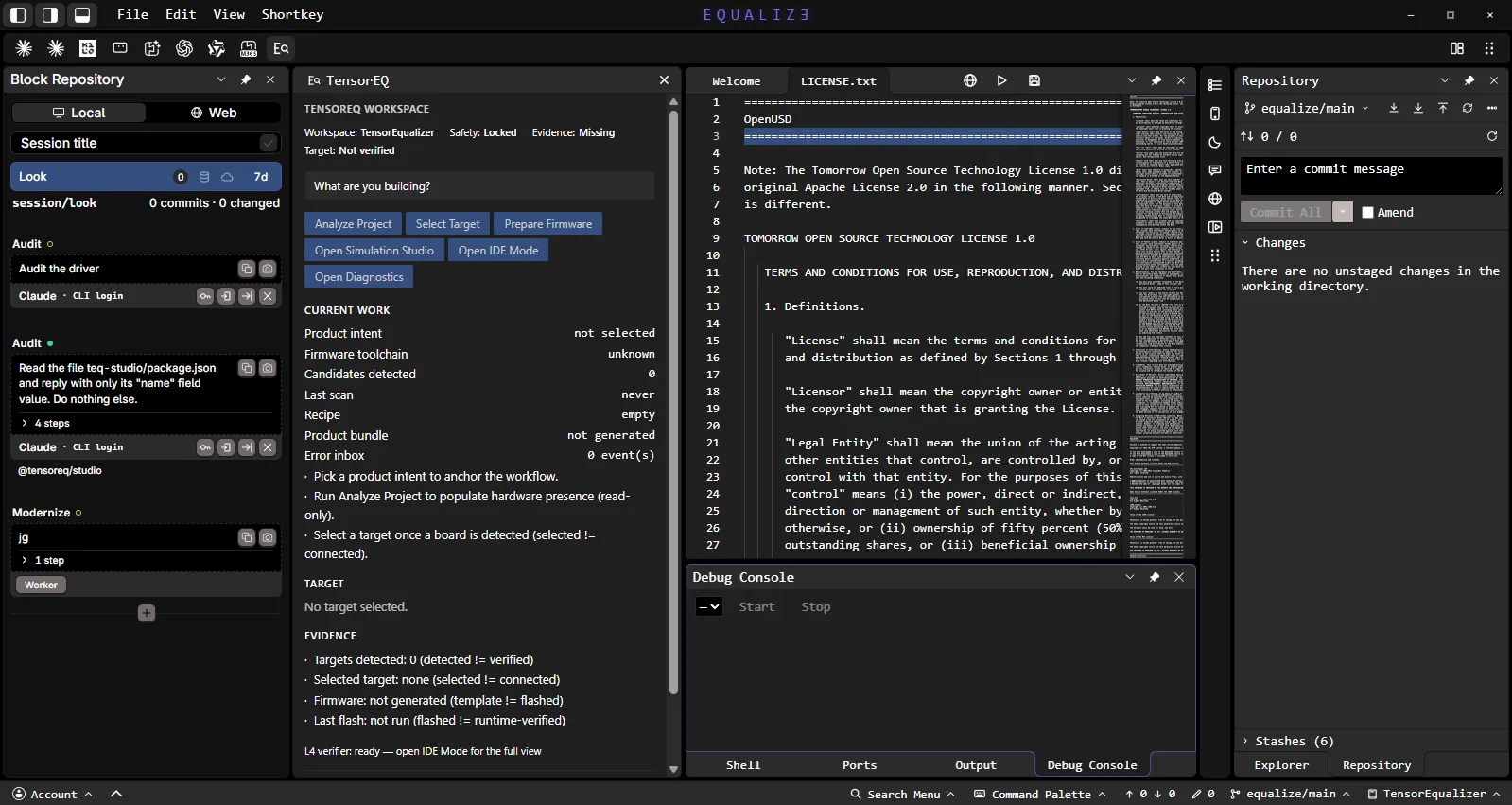
A Windows desktop workspace for engineers. Your AI agent (Claude Code, Codex and others) works on your real project inside it — code, circuit boards, 3D models — and every change waits for your approval before it is applied.
Is it free?
Yes. EQUALIZE is free and funded by donations. AI providers are bring-your-own-account: Claude Code and Codex sign in with your own subscription or key.
Do I need a GitHub account?
No. EQUALIZE keeps a local Git repository on your computer, in a folder you choose. GitHub is optional and only used when you push.
How do I connect Microsoft Foundry?
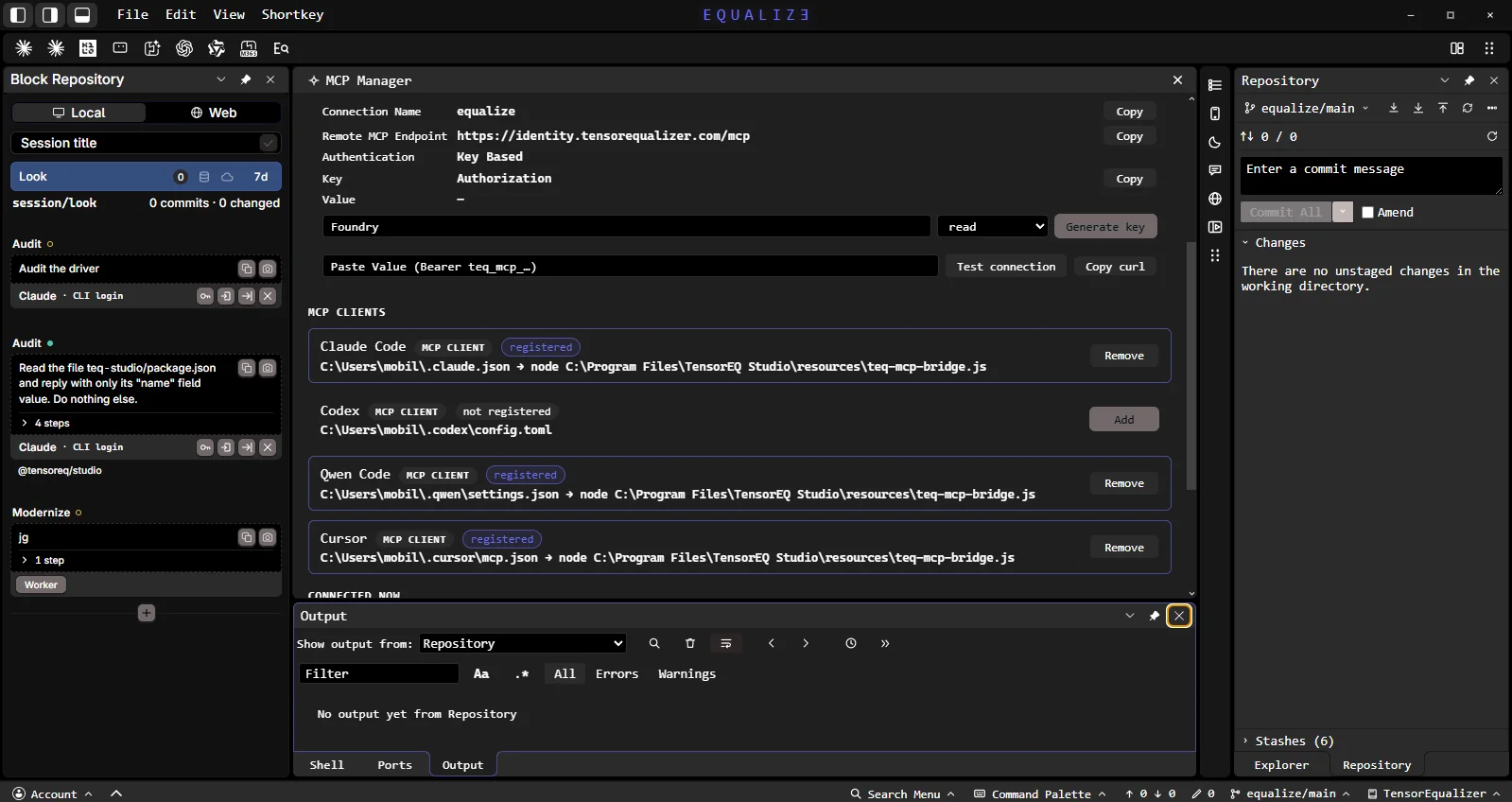
Sign in here, open Dashboard › MCP keys and generate a key. In Foundry, use the endpoint https://identity.tensorequalizer.com/mcp, Key Based authentication, key Authorization and value Bearer followed by your key. Then turn on Remote access in EQUALIZE › MCP Manager.
Which languages can it build and release?
Rust (Cargo), C/C++ (CMake), Python, .NET, Node.js, Bun, Electron and Lua — using the toolchains already installed on your computer, with Debug/Release and x64/x86/ARM64 where the toolchain supports it.
Can EQUALIZE use Claude instead of a local model?
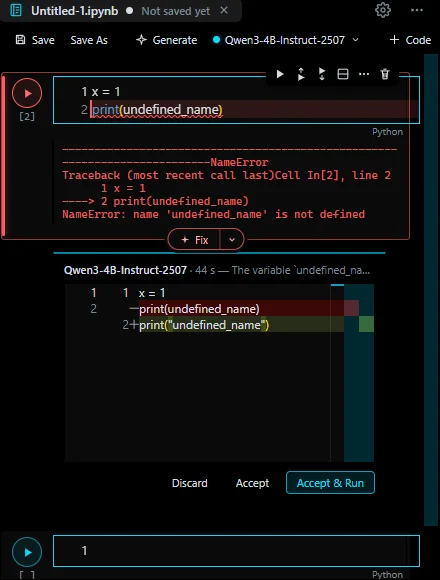
Yes. The EqualizeOS Assistant and the Notebook have two model paths: a local model on your PC, or an AI provider such as Claude through your own Claude Code sign-in. How it works.
Can EQUALIZE export IFC and DXF drawings?
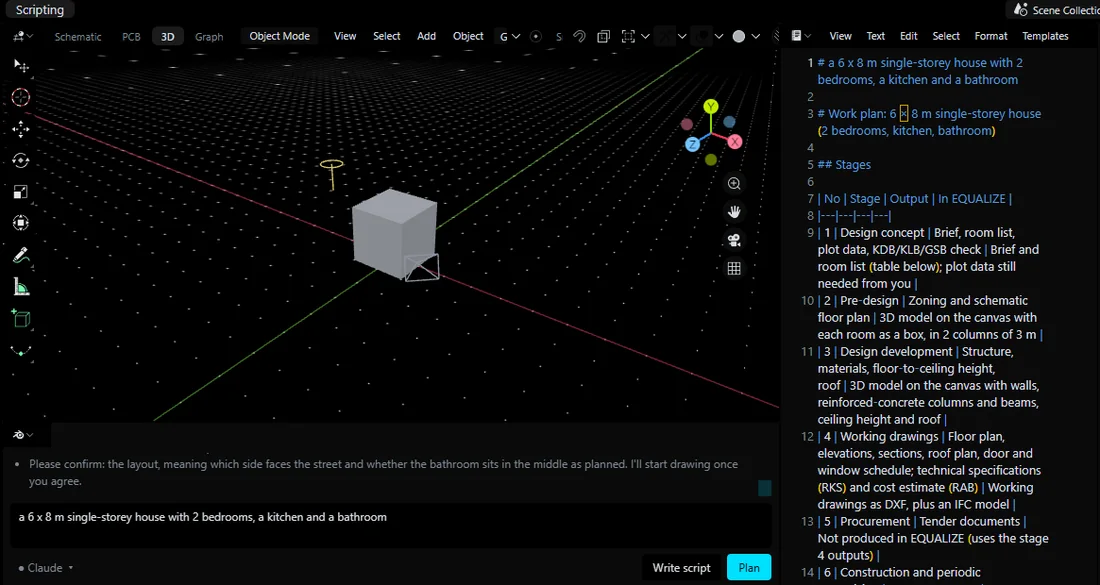
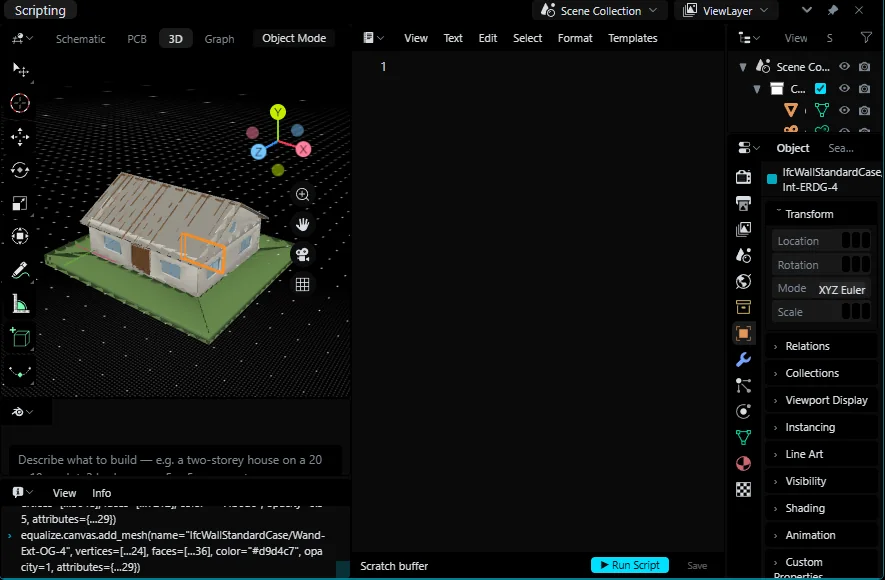
Yes. IFC4 buildings with walls, openings, slabs and roofs through IfcOpenShell, and working drawings as DXF R12 and SVG. BIM in EQUALIZE.
Does the notebook use my NVIDIA GPU?
Yes, when the kernel has PyTorch with CUDA. Test performance compares CPU and GPU in the kernel and Auto uses the faster one. AI Notebook.
Which operating systems are supported?
Windows 10 and 11 (x64). The TensorEQ CLI runs on every platform through npm.